
A quote in a machine shop almost never starts in software. It starts in an Excel file someone built years ago, that worked, and that now has twelve tabs, three versions floating around in email and one cell nobody dares to touch.
Excel is not the problem. For a few quotes a week with one person in charge, it is a reasonable tool. The trouble starts when volume, headcount or complexity grow and the file is still the only system.
This article is a way to think, not a success story. It helps you decide whether it is time to switch, and which way to go. We write it from the experience of César Hernández, a mechanical engineer with more than 20 years in industry (until 2020), who knows how a job is estimated, produced and audited because he lived it, and who has built custom software under Evoluciona Digital since 2020.
Signs that Excel no longer keeps up
You do not need to tick every box. If you recognize three or four, staying put already costs more than changing.
- Quoting depends on one person. If your estimator is out for a week, quotes stall or go out with prices nobody can explain.
- Several copies of the same file exist. "Quote_final", "quote_final_2", "quote_final_REAL". Nobody knows which one is current.
- Prices are updated by hand. When material or machine-hour rates go up, every file has to be updated, and one always gets missed.
- Each quote is built by copying the last similar one. Old errors and expired discounts travel along.
- You cannot answer simple questions. How many quotes did we send last month? How many did we win? Which customers do we quote often but rarely hear back from?
- Errors show up late. A broken formula is found after the customer accepted the price, or after the job is already on a machine.
- The front office and the shop floor disagree. What was quoted is not exactly what was built, and nobody recorded the change.
What you lose when everything lives in spreadsheets
Time
Good estimating means pulling data from several places: the drawing, the current material price, the time for each operation, the cost of outside processing. If each piece of data sits in a different file, a large share of the estimator's day goes to hunting and copying instead of calculating.
That time has a commercial cost: when a customer asks several shops for a price, the one that answers first and clearly tends to start ahead.
History
A plain Excel file keeps the last value, not a change history. When you edit a cell, the previous number is gone. Later you cannot tell what price you offered six months ago to a customer who is reordering the same part, or why that quote was won or lost.
Without history there is also no learning: you cannot compare what you quoted with what the job really consumed on the floor, so your standard times never get corrected.
Margins
This is the least visible cost. If material goes up and the template keeps the old price, the quote goes out, the customer accepts, and the margin shrinks without anyone noticing until the job is closed.
The same happens with discounts agreed "on the phone", setup times that get forgotten, or outside heat treat quoted without freight. Each leak is small; added up, they eat part of your profit.
Three ways out of Excel
Not every shop needs custom software. This is the order in which it makes sense to evaluate them.
1. Tidy up the Excel
If volume is low and your logic is stable, discipline may be enough:
- One master file, in a shared folder with controlled access.
- A sheet of material prices and process rates, separate from the quotes, that the other sheets read from.
- A sequential number and a date on every quote.
- Locked formulas and one person responsible for changing them.
When it works: few estimators, few rule changes and no need for statistics. Where it falls short: when two people edit at once, when you need real history, or when the quote has to connect to the work order.
2. Off-the-shelf software
There are quoting programs, ERP systems and sales modules ready to use. Their advantage is that they already exist: you pay for a license and start.
Before choosing, check these points before you sign:
- Whether it handles your real processes (cutting, welding, machining, outside processing) or only fixed-price products.
- What each additional user costs, and what happens to your data if you stop paying.
- Whether it forces you to change how you estimate to fit the tool.
- Whether it can import your current Excel history.
When it works: your way of quoting looks like most shops' and you can adapt to the program. Where it falls short: when your edge is precisely how you calculate (your own process routings, customer-specific rules, unusual materials).
3. Custom software
A custom business app is built around the way you quote: your materials, your processes, your rules and your team's permissions. The investment depends on the scope, and it only pays off if quoting is central to your operation.
When it works: neither a tidy Excel nor off-the-shelf software is enough, and you want the quote to connect later with work orders, inventory or invoicing. Where it falls short: if you quote little or your rules change every week, the development will not pay for itself.
There is an in-between step many people overlook: connecting what you already use. With workflow automation and integrations you can make data get entered only once (for example, so that one material price sheet feeds every quote) without changing systems yet.
What a quoting tool should have (whichever path you take)
If you are going to pick off-the-shelf software or ask for a custom one, here is a checklist for comparing options. It does not depend on the technology.
Materials
- A single material catalog with the current price and the date of the last update.
- Clear units (pounds, feet, sheets) and handling of scrap or yield loss.
- When a price changes, new quotes pick it up automatically; quotes already issued keep the price they were sent with.
Processes
- Rates per operation (cutting, bending, welding, machining, finishing) and per machine, if they change with the equipment.
- Setup time kept separate from run time.
- Outside processes (heat treating, plating, testing) with their vendor, cost and freight.
- The ability to reuse the routing of a part you have already quoted.
Versions
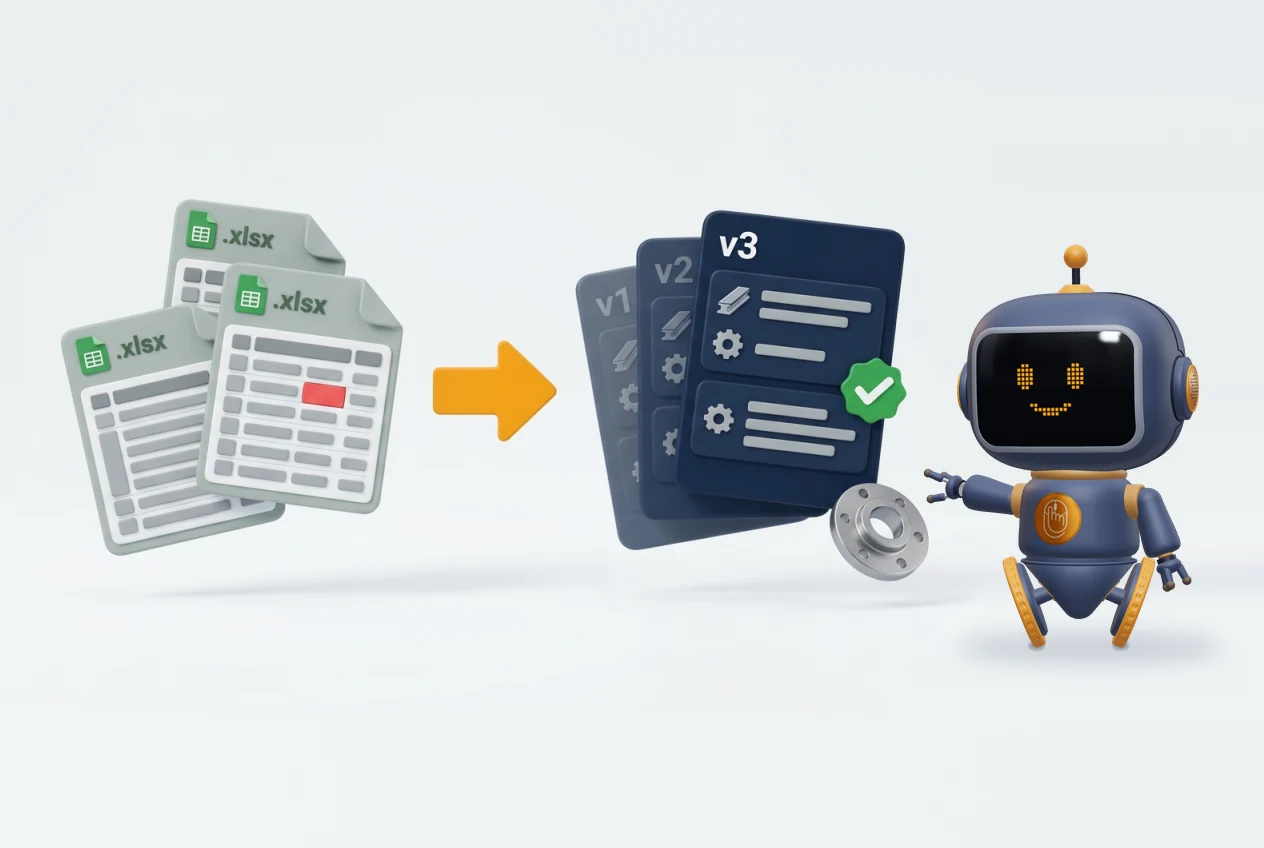
- Every change creates a new version, with date and author; the previous one is not erased.
- You can compare two versions and see what changed: quantity, material, price, lead time.
- One version is the current one, and everyone knows which.
Approval
- Rules about who can send a quote and who must approve it (by dollar amount or minimum margin).
- A record of who approved it, when and under what conditions.
- A visible status: draft, sent, approved, lost. That lets you measure how many you win and why you lose the rest.
How to switch without stopping production
The worst way to switch is to turn off the Excel on a Friday and turn on the new system on Monday. A gradual change costs less and leaves fewer surprises.
- Write down how you estimate today. Before buying or building anything, document the real steps, including the exceptions that "only one person knows". It is the most valuable input you will have.
- Clean the data you are going to move. Materials, rates, customers. A new system loaded with old, duplicated data just reproduces the mess faster.
- Start with one piece. For example, materials and rates, or the jobs of a single type of customer. Do not try to cover everything on day one.
- Run both in parallel for a while. Quote in the new system and in the Excel, and compare the results. The differences show you errors on either side.
- Import history with review. Past quotes are valuable, but do not load them blindly: have someone from the shop check what goes in.
- Set a cutover date. When the results match, the Excel becomes read-only. Without a cutover date, the two systems live side by side forever.
We have concrete experience with import and review, even if it is not in quoting. In Star Learning, an app that manages employee training records and replaced Excel and paper, the earlier information came in through an import with review. The process is different, but the migration pattern is the same.
The next step
You do not have to decide today between tidying, buying or building. What you can do is measure what staying put costs you: how long a quote takes, how many versions circulate, and how many times a price went out with old data.
If you want to review your case with someone who knows how a shop estimates, book a free assessment. In 30 minutes we look at how you quote today, where the time goes, and which of the three paths makes sense for you.